Editorial team ·
Is that menu for your event date? Check before choosing a dish
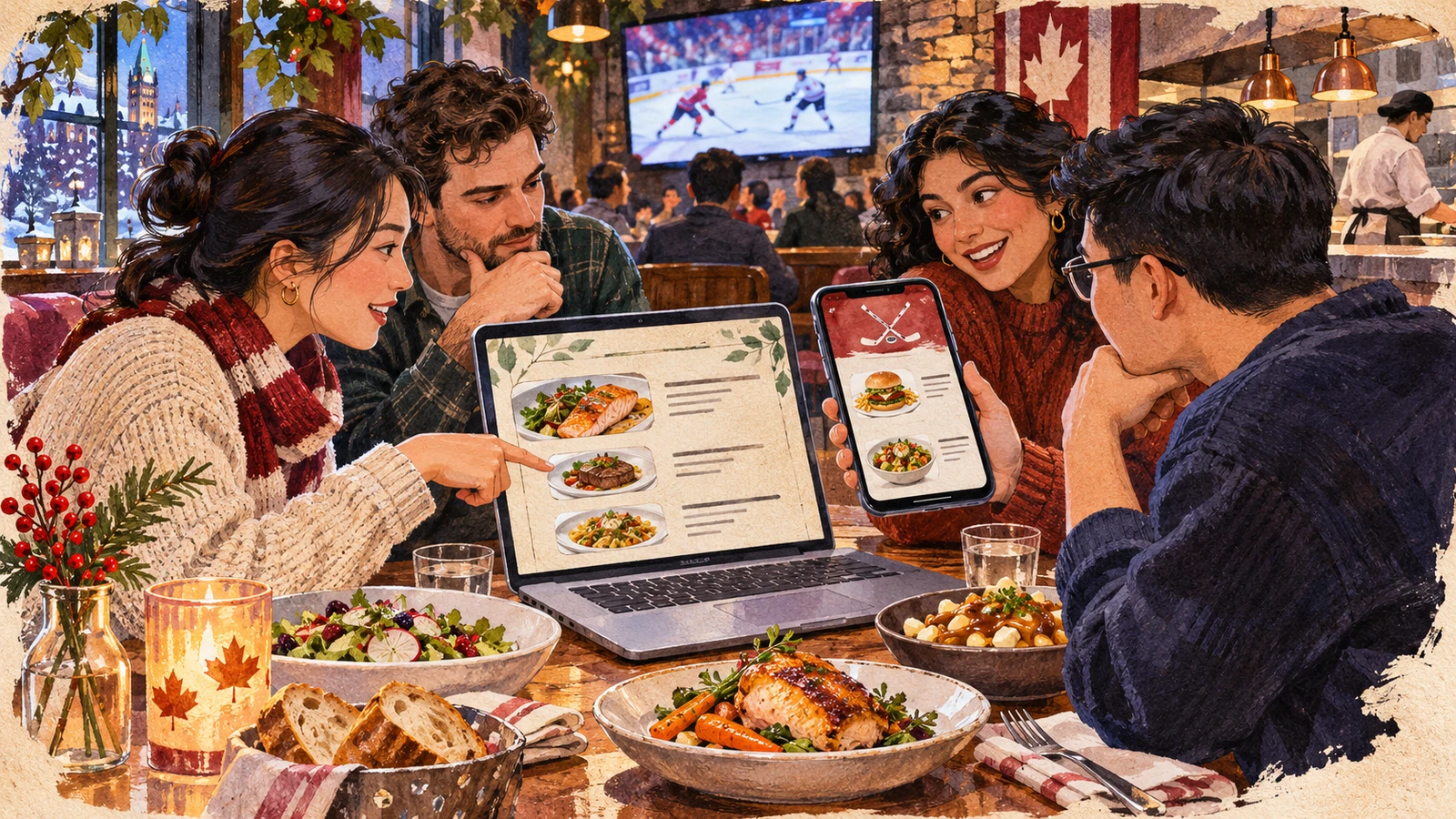
You pick a dish from a venue’s regular dinner menu. A friend shows you a shorter list with the name of the game at the top. Both menus are on the site. Check the event date and the time the kitchen will serve your table before changing anyone’s order.
Match the menu to the service on your booking
In the fictional restaurant, the regular menu is listed for weekday dinners. An event-night menu applies on Saturday from six to nine. The booking is for 7:30 on that Saturday, so the shorter menu fits the confirmed service in this example.
Read the heading, dates and any session labels. If an image shows no date, check the page carrying it. Ask the restaurant which list the kitchen will use if it is still unclear.
Find out if the menu continues after the final whistle. A special menu can stop before the dining room closes. For a late table, give the actual time you expect to reach the restaurant.
Keep the date, edition and source when sending a menu screenshot. If the kitchen changes one dish, this makes it easier to compare the old and new lists.
| Menu | When it applies | What to verify |
|---|---|---|
| Regular dinner | Weekday evenings in the example | Normal service window |
| Event-night | Saturday, 6:00–9:00 p.m. | Event date and table time |
| Saved menu image | Date may be out of frame | Source page and current edition |
Save enough context to check a change later
- Match the menu and table
- Read the event date and service time.
- Confirm which list the restaurant will use.
- Make the shared copy useful
- Keep the menu date and heading.
- Recheck any important dish before the visit.
Questions and answers
- What if both menus use the same filename?
- Use the dated heading or the restaurant’s confirmation to identify the one that applies.
- Does an event ticket guarantee the event menu?
- Check where and when the menu is offered and whether a table is required.
- Can I save a screenshot to order from?
- Use it as a reference and check for replacements or changed hours on the date.